🧴Customization & Chrome Quests

🚚 HOW TO CUSTOMIZE YOUR TRUCK
Progress through the tutorial to unlock the Garage.
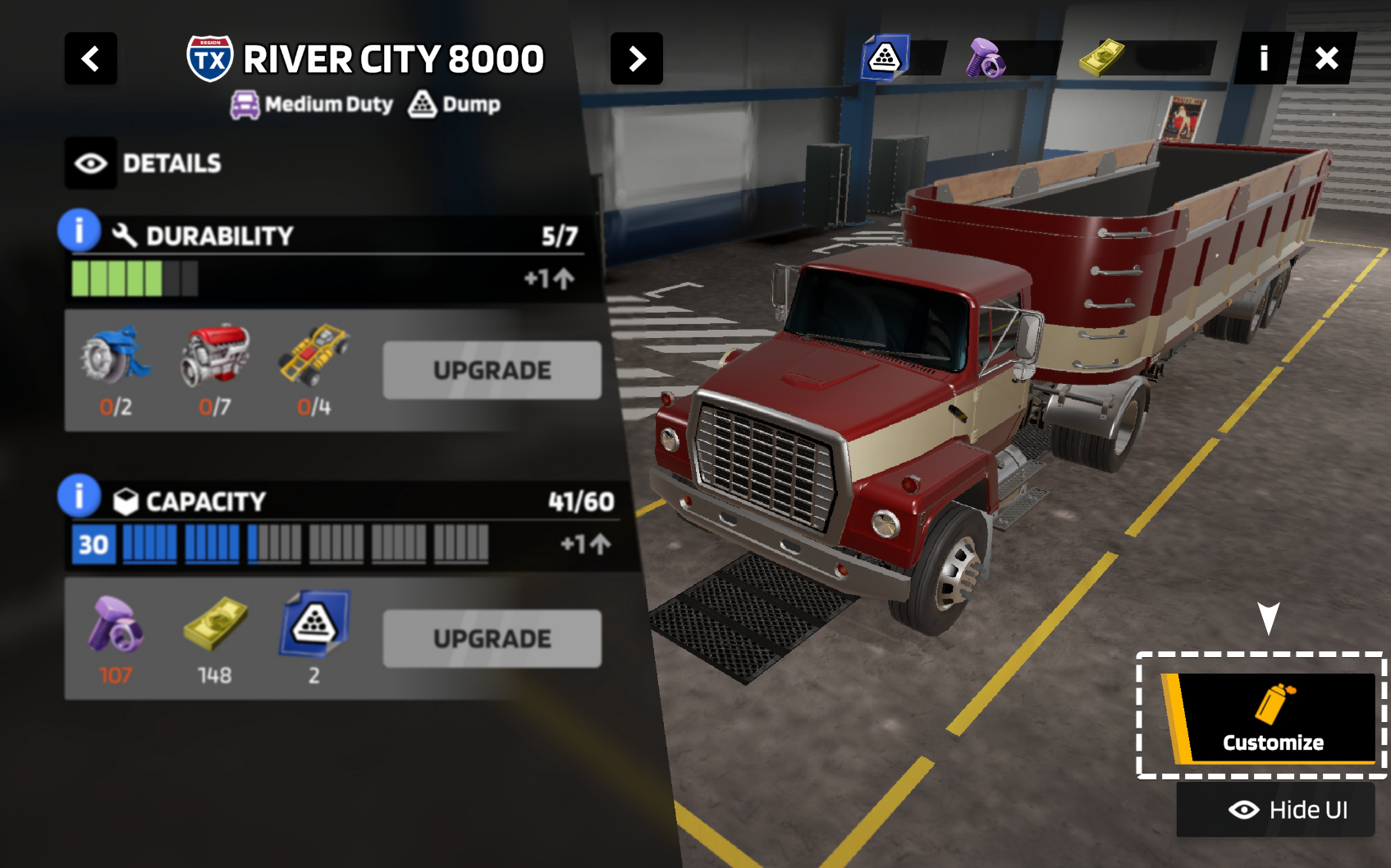
From there, select Customize in the bottom-right corner to start personalizing your truck!
🚚 WHAT CAN BE CUSTOMIZED
Every unlocked part fits every truck in your fleet, so you can freely mix and match.
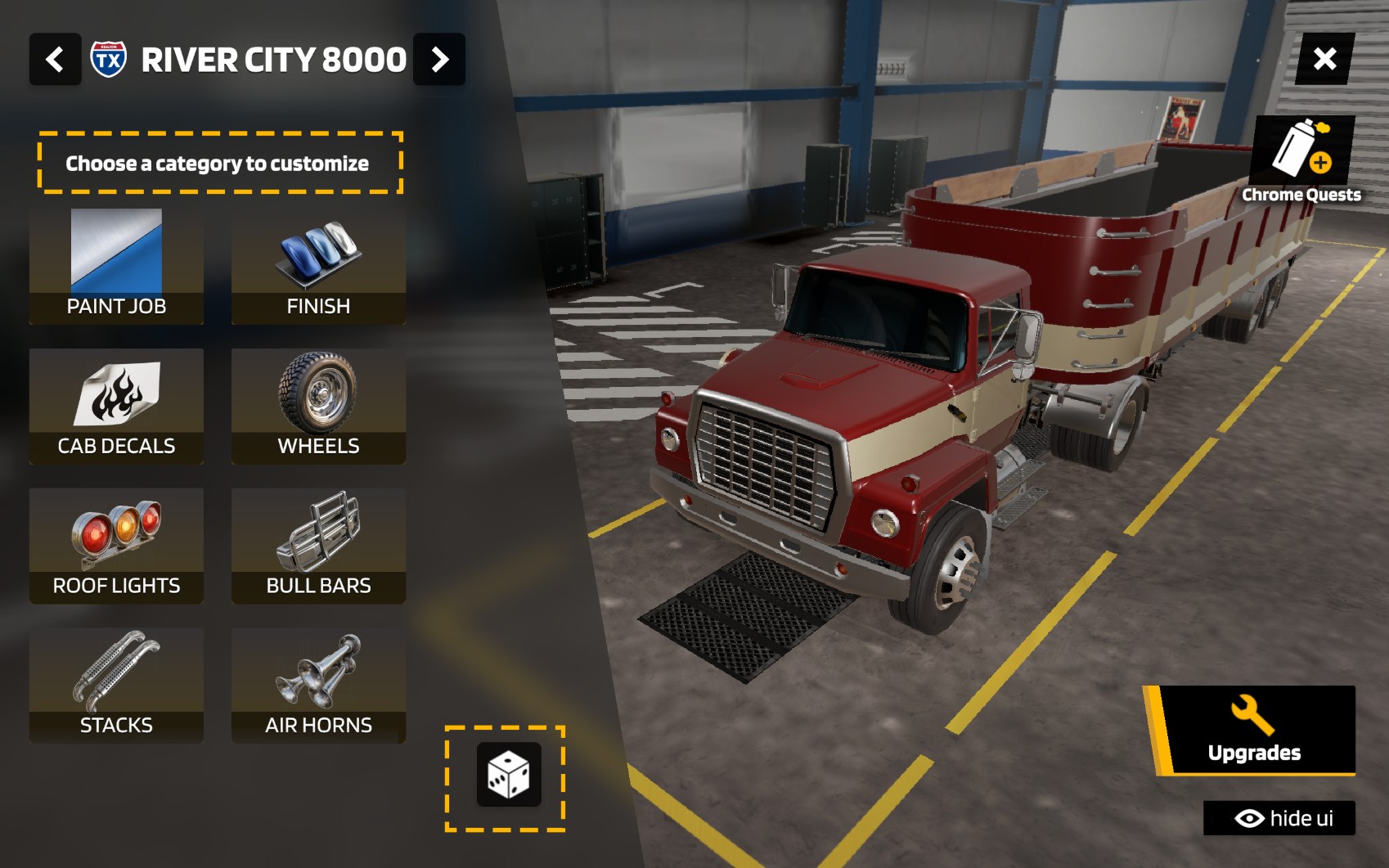
Customize your trucks however you like by using any of your unlocked options:
▶ PAINT JOB, FINISH, CAB DECALS, WHEELS, ROOF LIGHTS, BULL BARS, STACKS & AIR HORNS ◀
⏫Not sure where to start with the customization? ⏫
You can also hit the dice icon to randomize your customization and roll with a fun, unexpected look!
🚚 HOW TO UNLOCK NEW CUSTOMIZATIONS
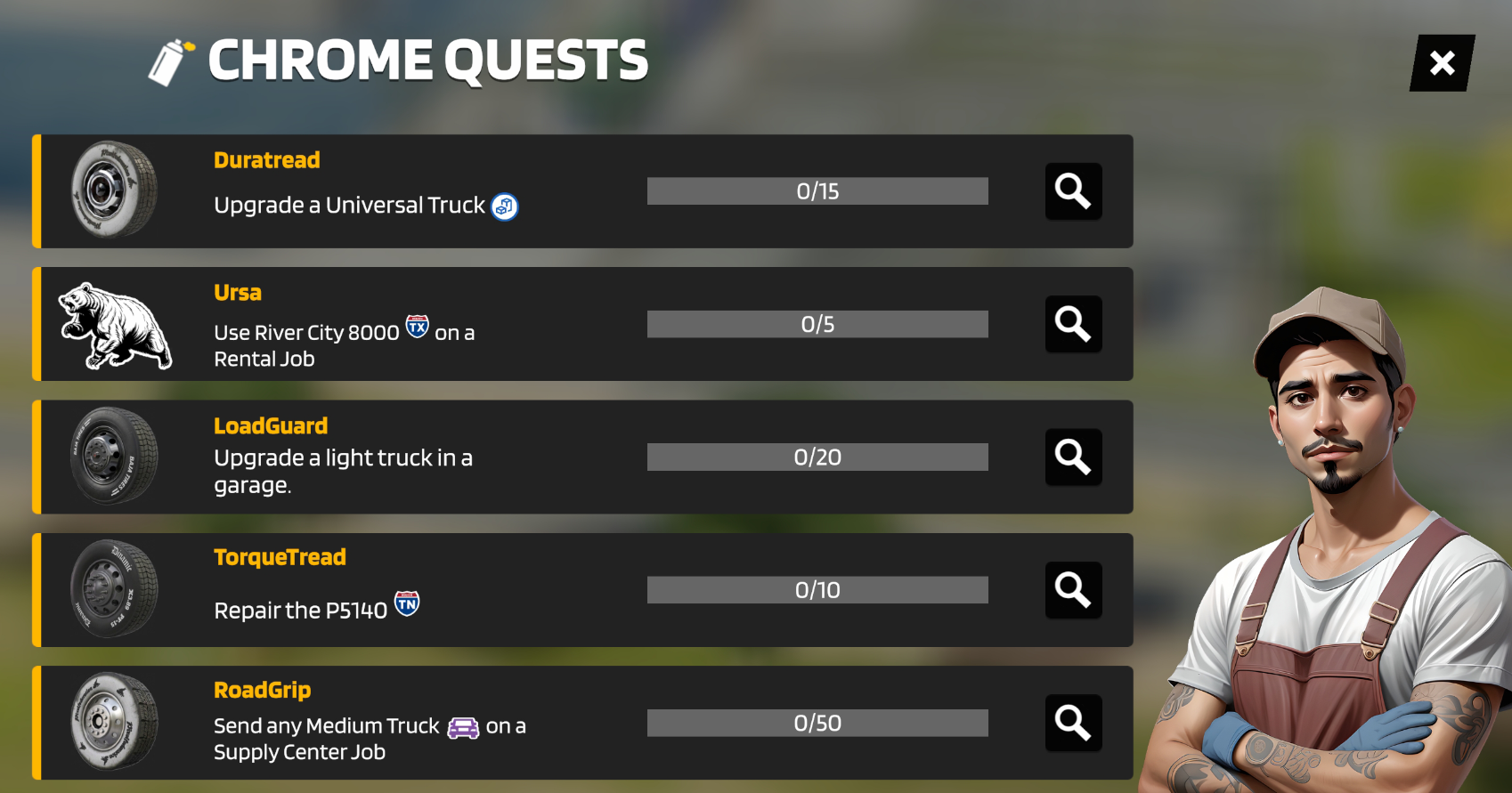
While a great selection of customization options is available right from the start, reaching Level 6 unlocks Chrome Quests - special tasks dedicated to expanding your collection.
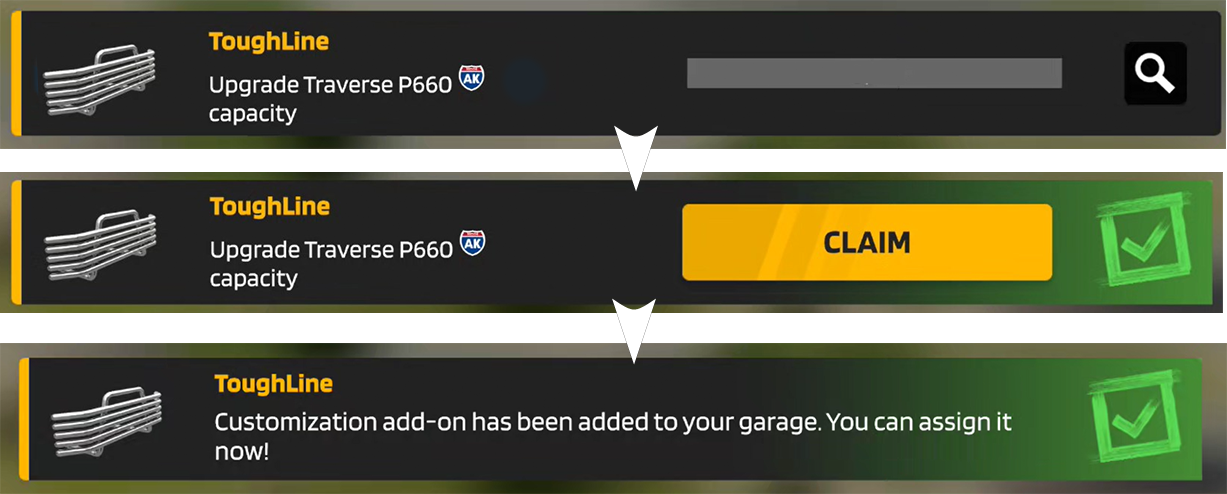
Complete the quest, claim your new part, and take it for a ride!
You can find and track these quests on the right side of your Depot screen, or directly in the Customization menu.
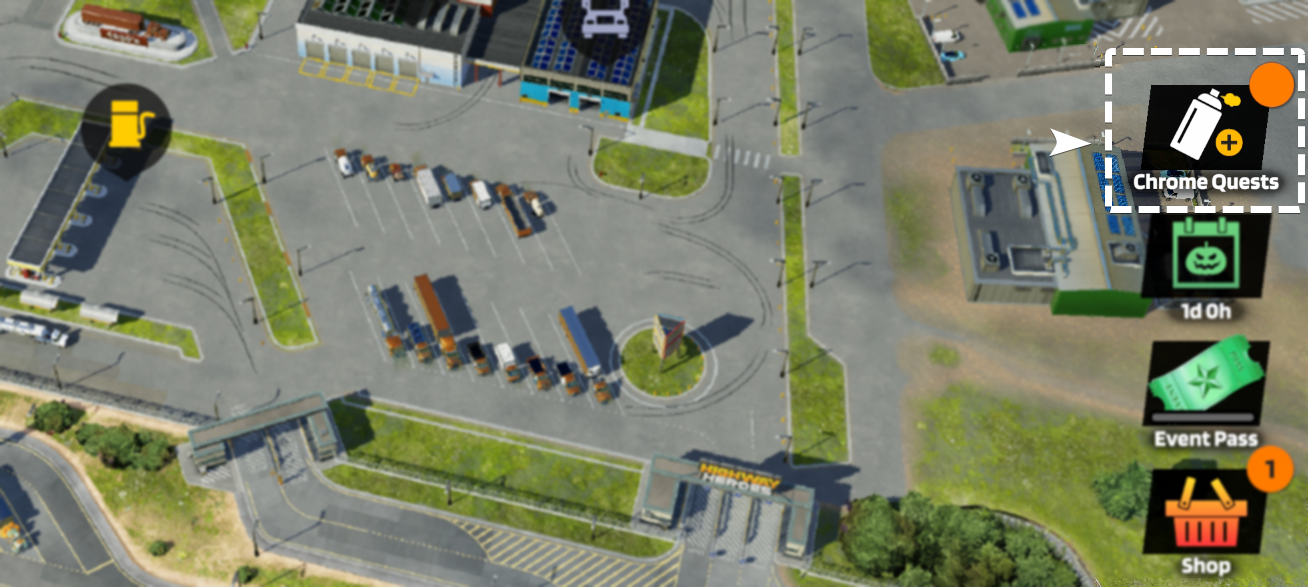
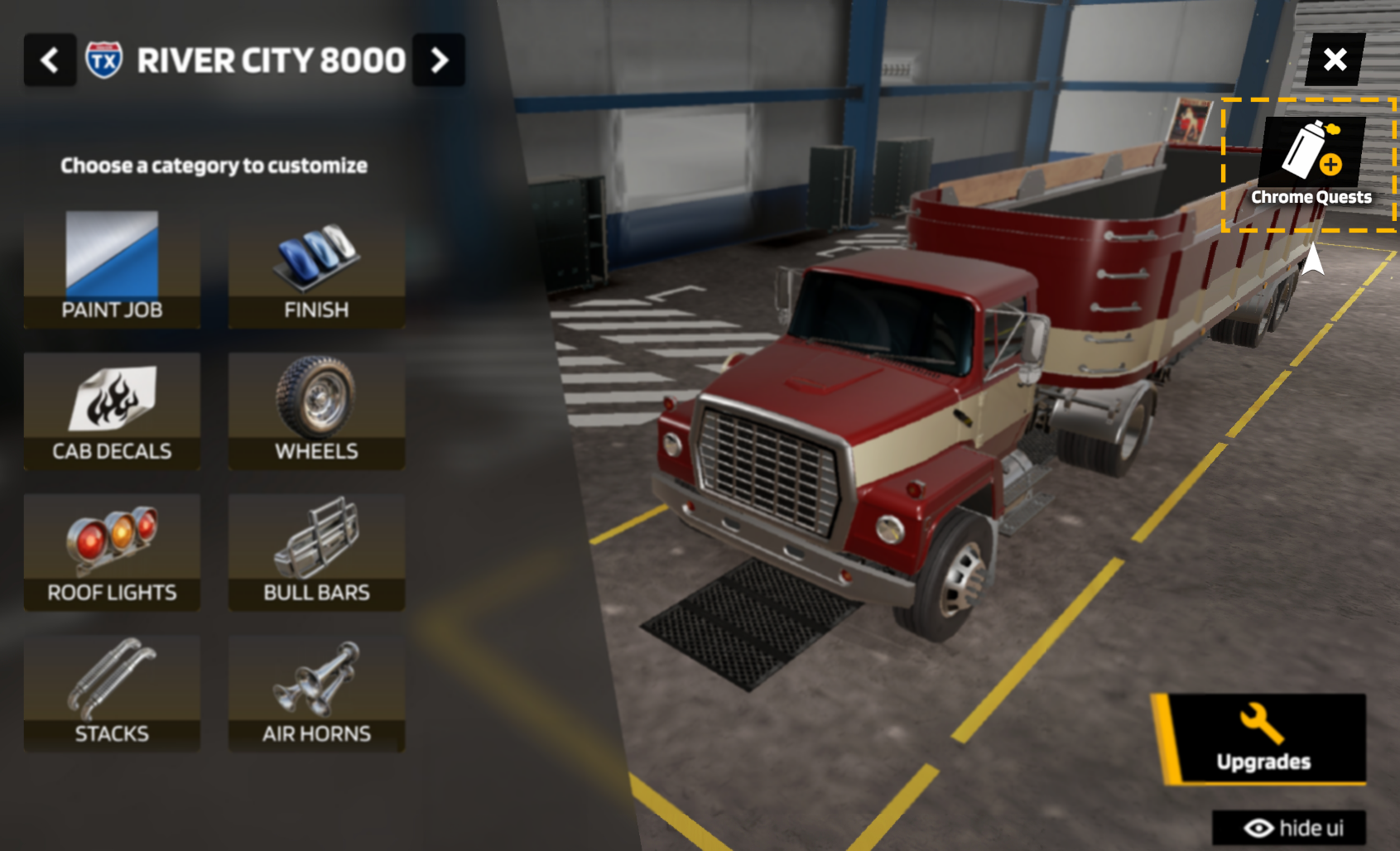
Be sure to level up to unlock new Chrome quests (Customization Tasks) and earn unique parts for your fleet.
Previewing a locked item in the customization menu will also show you the exact level needed and quest requirements.
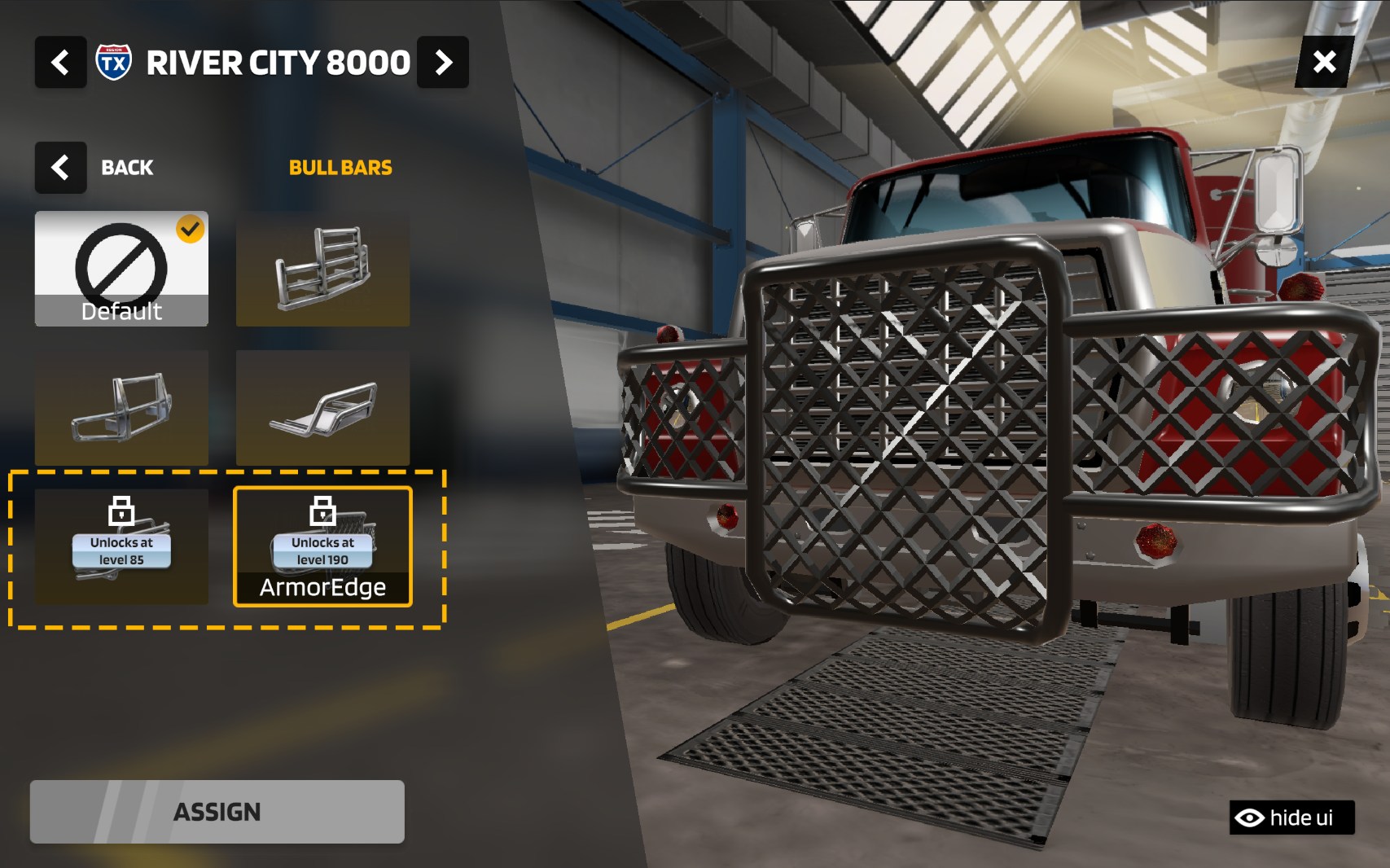
These quests track your overall progress and are designed as a rewarding, long-term journey.
After all, building the ultimate truck fleet takes dedication!
ℹ OTHER WAYS TO GET NEW CUSTOMIZATIONS ℹ
Additional parts may also be earned via level-up milestones, Event passes, and special offers!
(Availability may vary with future updates)