Facebook login removal and email login connection information
Dear Dispatchers,
As the Facebook login option will soon be removed from TrainStation Classic, we would like to offer you the option to connect an email login to your current game account.
You can do this directly in the game by following these steps:
1.) Open Settings in your game
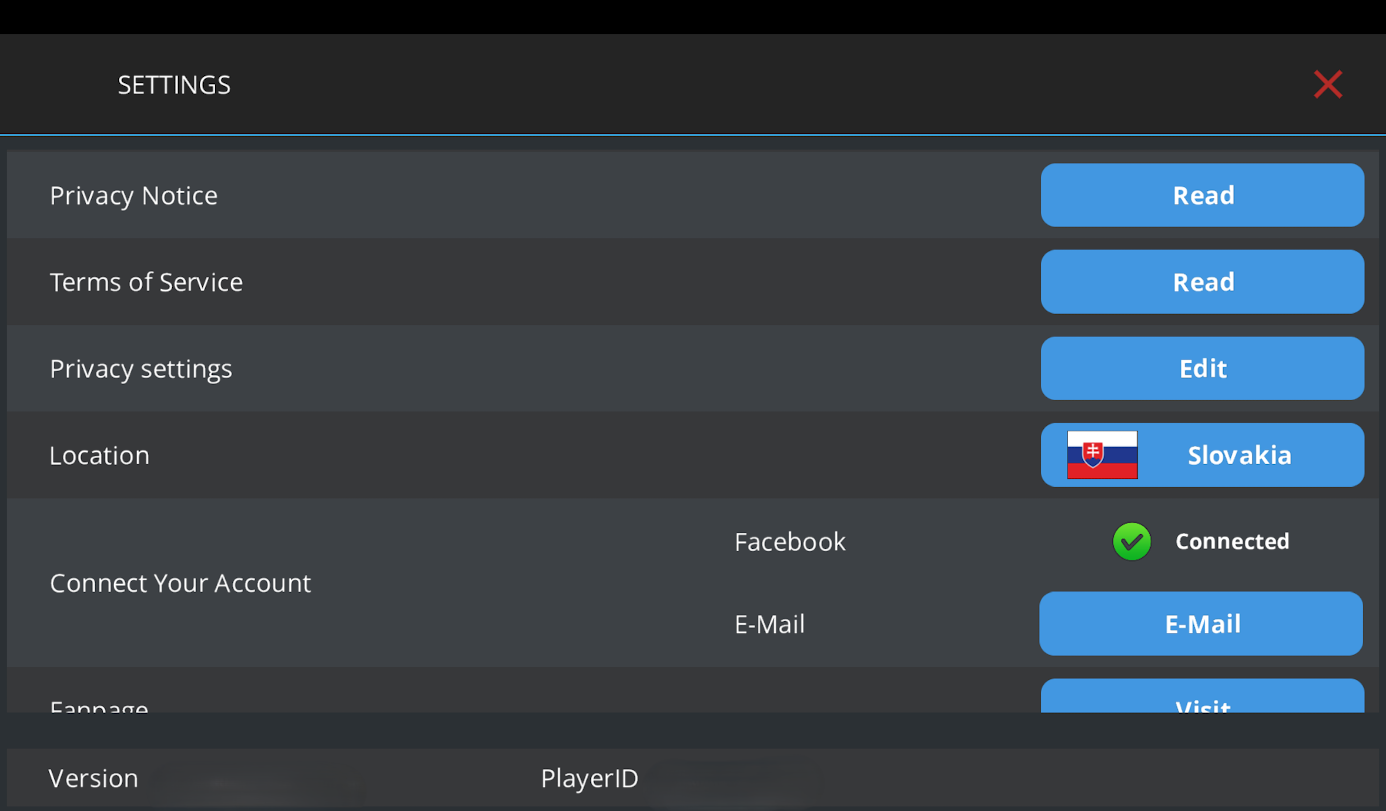
2.) In the Connect Your Account section, select the Email button
3.) Enter your email address and password
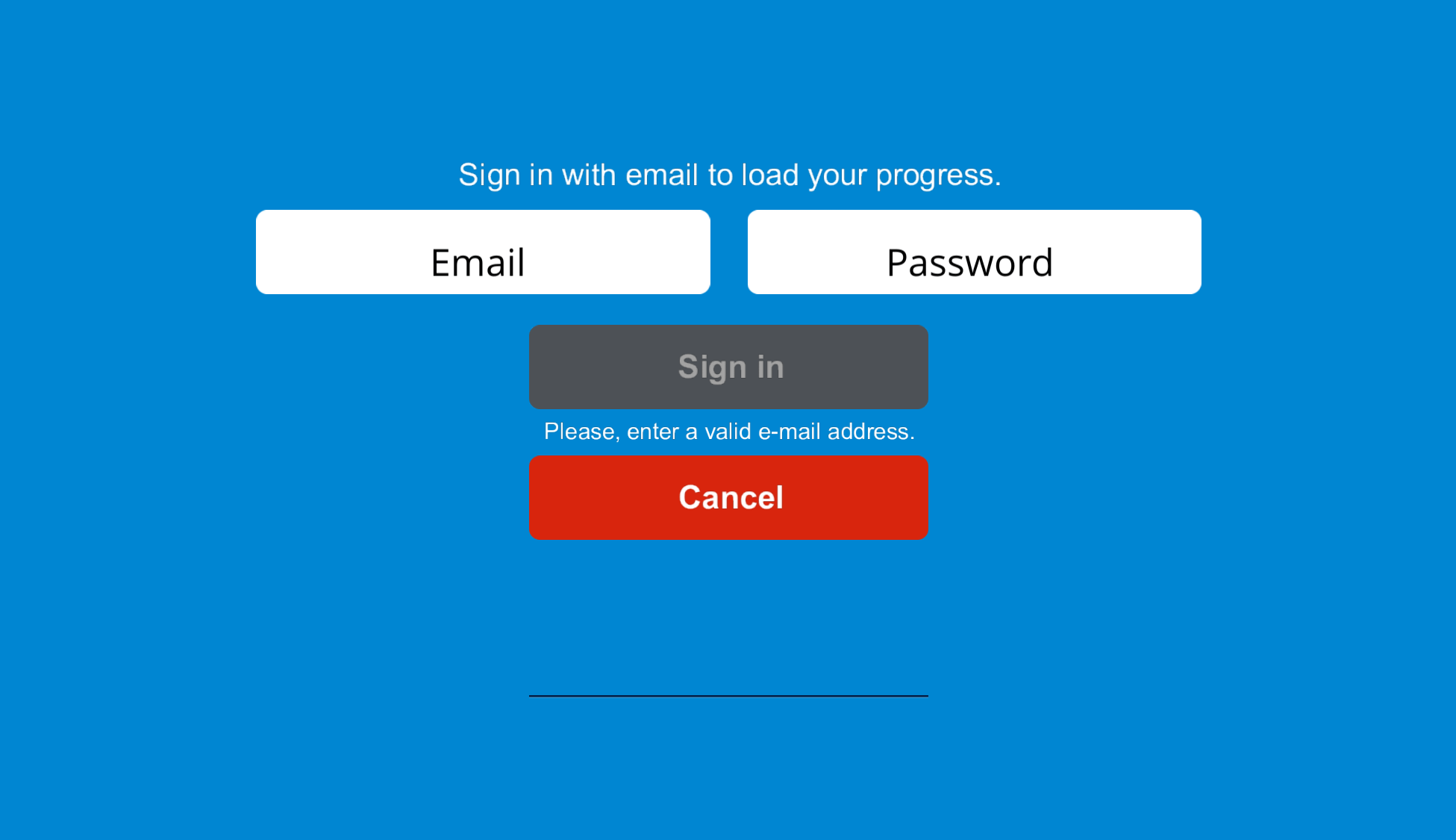
You may experience one of the following situations:
a.) No email login registered yet
If you do not have an email login yet, you can create one and use it to access your game account in the future.
b.) You already use an email login for another Pixel Federation game
If you already have an email login from another Pixel Federation game, you can use it for TrainStation Classic as well. Just enter the correct email address and password.
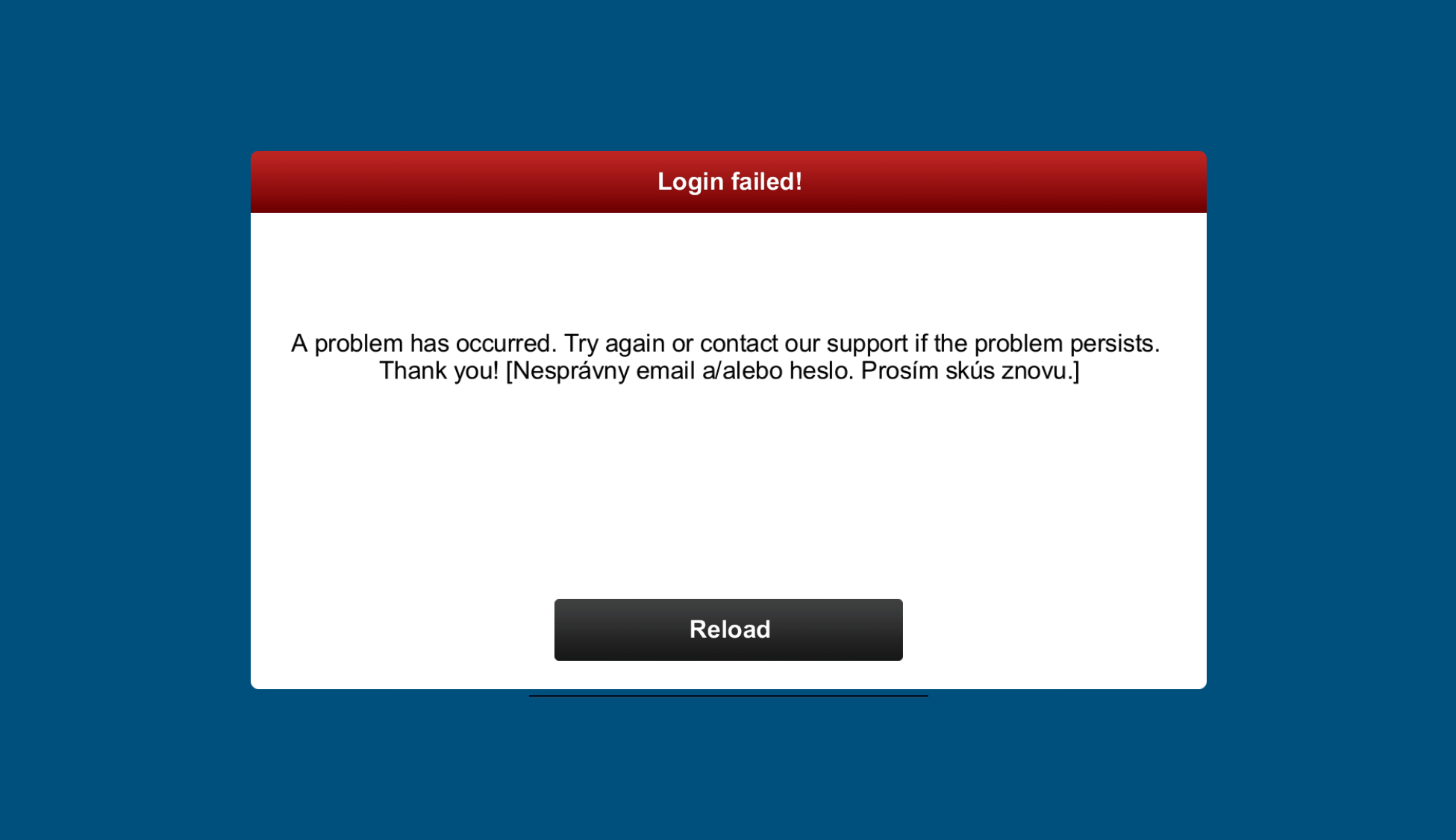
c.) Your email login is already connected to another TrainStation Classic account
In this case, the same email login cannot be connected to a different TrainStation Classic account.
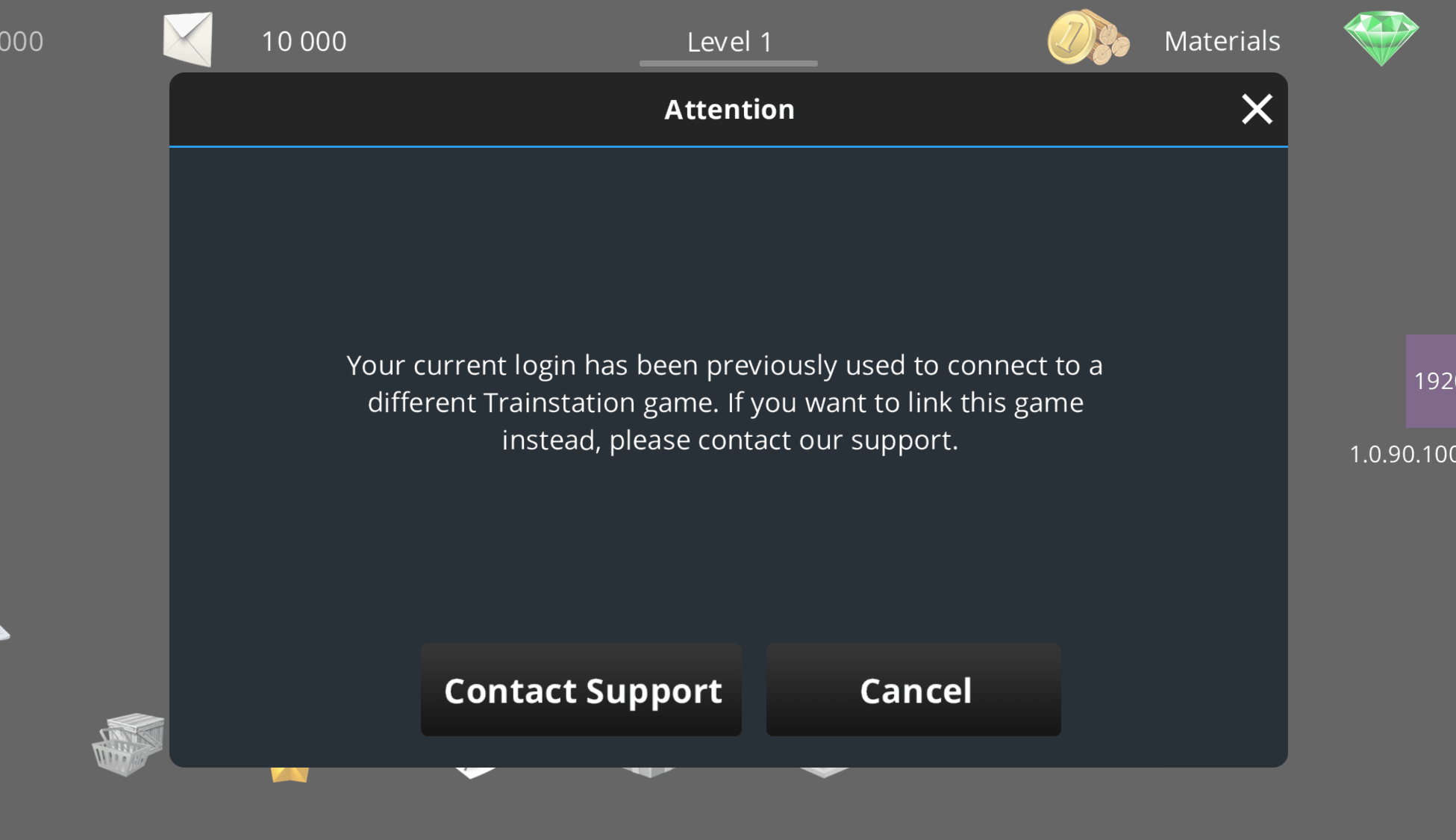
If situation c.) applies to you, please fill out the form below. We will be happy to help transfer your email login to your current game account.
Please note that by submitting the form, you confirm that you want your email login transferred to your current game account. After the transfer, you will no longer be able to access the previous account connected to that email login.
We hope this information helps. If you have any questions, please feel free to contact our support team.
Email login connection
Please fill out this form to share with us information required to successfully attach an email login to your current game account.
Please submit the Player ID of your game account you wish to continue playing. The Player ID can be found in the game's Settings menu.
Please fill in the email address you wish to use as an email login for your current game account.
Please fill in the Player ID of the game account currently connected to your email login. You can find it in the Settings menu after logging in using your email address and password.
Please fill in any further information you would like us to have.
Please add screenshots of the game's Settings menu with Player ID visible. How to take a screenshot or create a screen recording