🚂 Cargo Regular Lines 🪵
What are Regular Lines and how to unlock them?
Raw materials lines can be utilized once all cargo jobs in an era are finished.
The materials in regular lines can not be changed.
To unlock the Regular Lines, players must first reach certain requirements.
Finish all story cargo jobs in your era
Construct the Regular Lines building under the Warehouse
Add at least one train to each raw material of the given era
All of the requirements can be completed by progressing through the main storyline.
Regular Lines
After Regular Lines have been established, raw materials will begin generating automatically.
The materials can then be collected any time they are needed. They replenish every six hours.
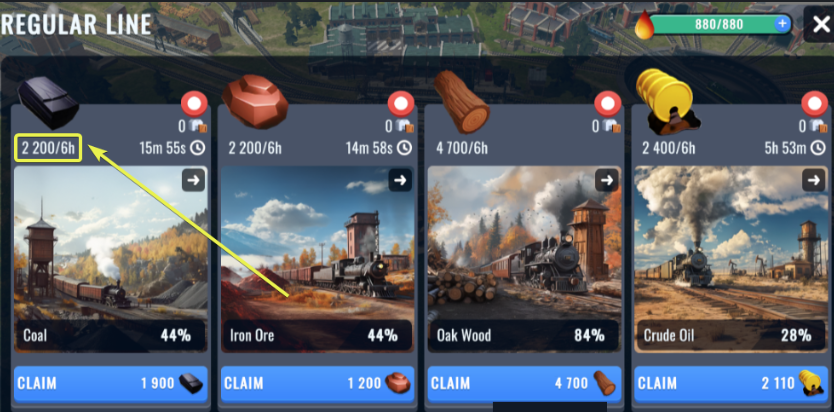
How to add a train to a Regular Line
Once you have finished the construction of the Regular Lines building, you enter it and start adding trains to the Lines. The trains with the lowest power stats are recommended to be placed in the automated lines as these become obsolete due to their low durability stats, which increase for transport jobs in further eras.
When in the Regular lines:
-Click on the material to be automated
-In the EMPTY SLOT, click on Select
-Choose any train from your fleet (the weakest one is recommended)
-Once the selected train is there, hit the Confirm button
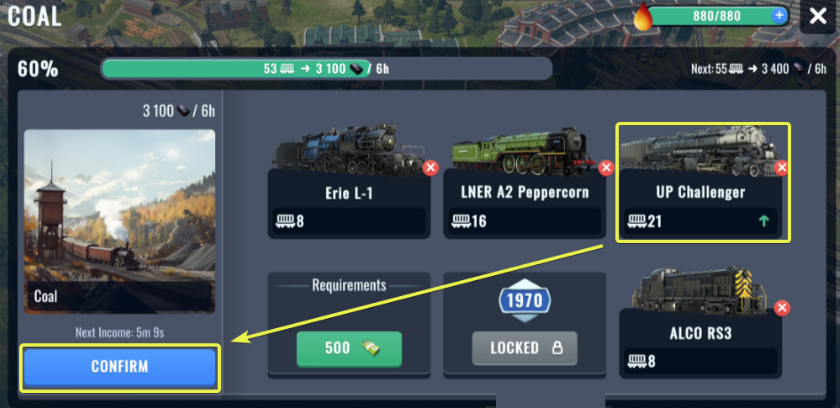
To utilize a Regular Line it is necessary to assign it at least 1 cargo train. Once a new line has been established, it must be permanent, which means there will always be at least one train assigned to it.
Swapping Trains
If you have misplaced a train on the regular line or changed your mind and want to put another one, don`t worry.
Simply click on the red X circle next to the train to remove it:
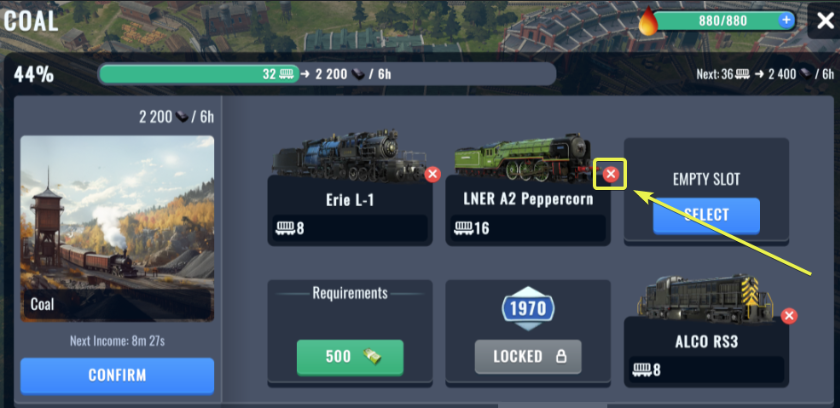
It is necessary to have at least one spot assigned on the regular line once it has been activated.
That's why we will have to fill the empty spot with a different train. Simply tap on "Select" and choose a different train.
Then tap on Confirm to save changes.
Swapping trains needs to be done only if there is one left in the automated line. If the line has 2 or more trains, any of them can be removed without being substituted by another one. Just click on the red X circle and hit Confirm.
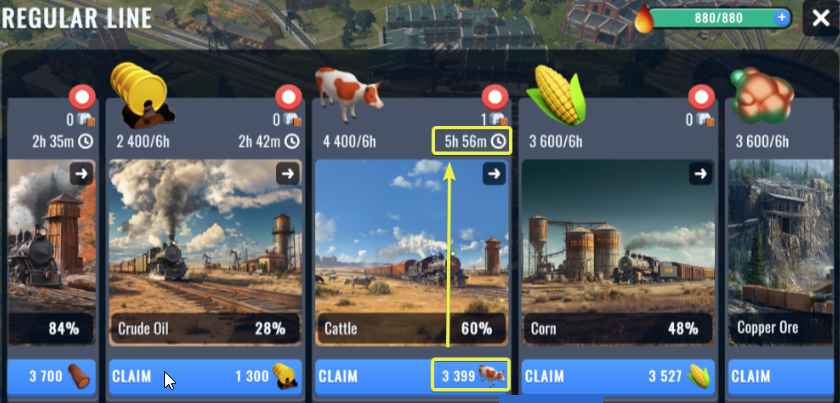
Why is the timer missing after adding a new train to the automation?Check this example with Cattle automation
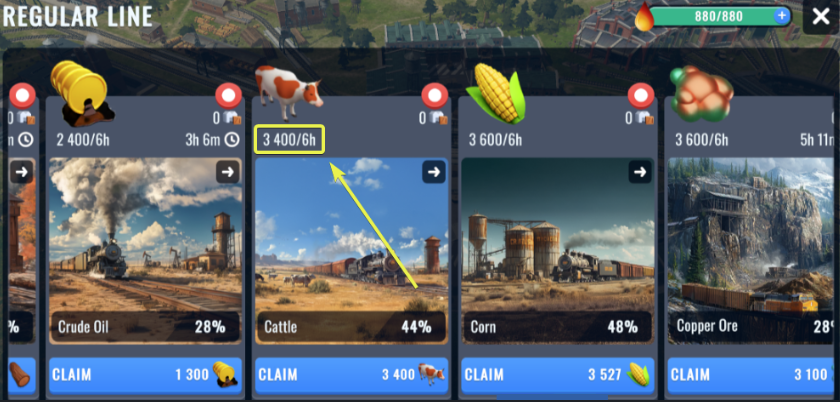
The automated line generates 3 400 Cattle every 6 hours.
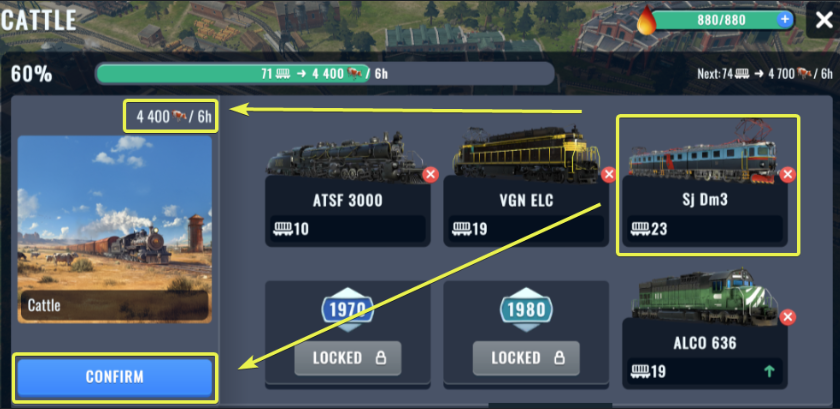
A new train has been added to the line, increasing the automated production of Cattle to 4 400.
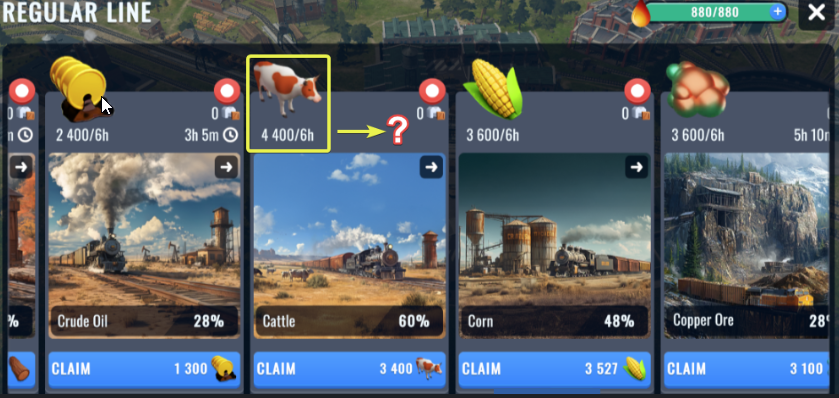
After confirming the addition of the new train, the 6-hour countdown does not start. However, this situation is correct.
To trigger the timer, collect any number of Cattle units (one is enough).
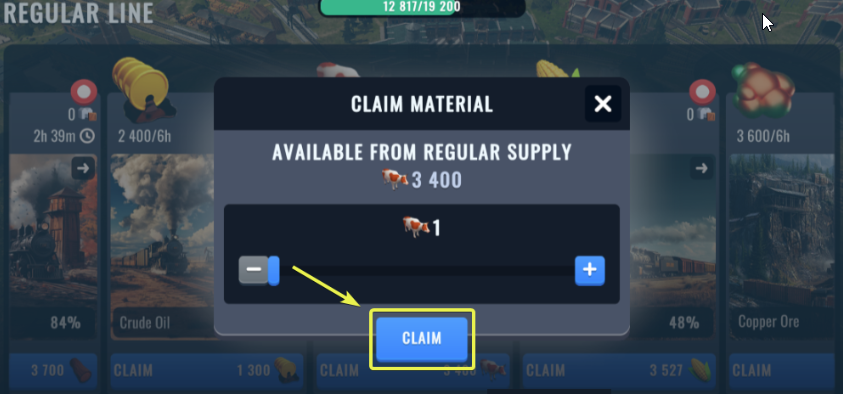
The timer is there.
How can I deliver automated cargo by trains?
The simple answer is: You cannot. Automated materials can be collected solely from the automated lines. The previously available raw material destinations are removed from the map. That is why you need to manage your fleet well and add new trains to the automated lines to secure constant access to the automated articles.
Why cannot I finish a Company Task that requires starting the Regular Lines
You might come across a Company task asking you to establish automated Regular Lines. However, such an option is missing. This can occur for more reasons:
-You have to complete all Cargo and Passenger jobs of your era (in some eras, only Cargo jobs must be finished)
-In the first era, you have to build the Regular Lines building(again, make sure all your Cargo and Passenger jobs have been finished)
-Even though the Regular Line building has been constructed, you have to automate all raw materials of the given era
A train is missing from the active fleet
Feeling like the train you wanna send out on a job is not appearing in your list?
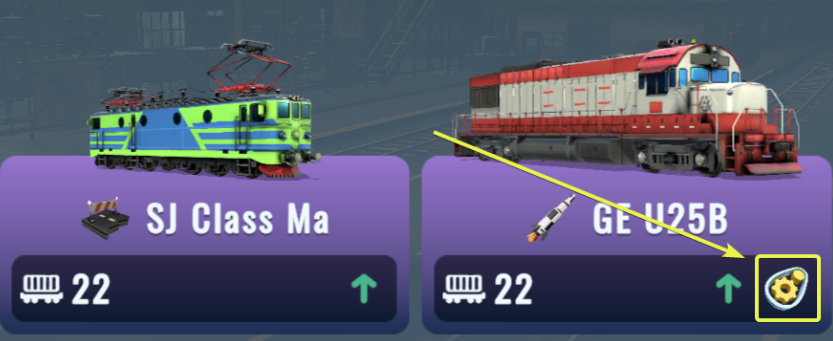
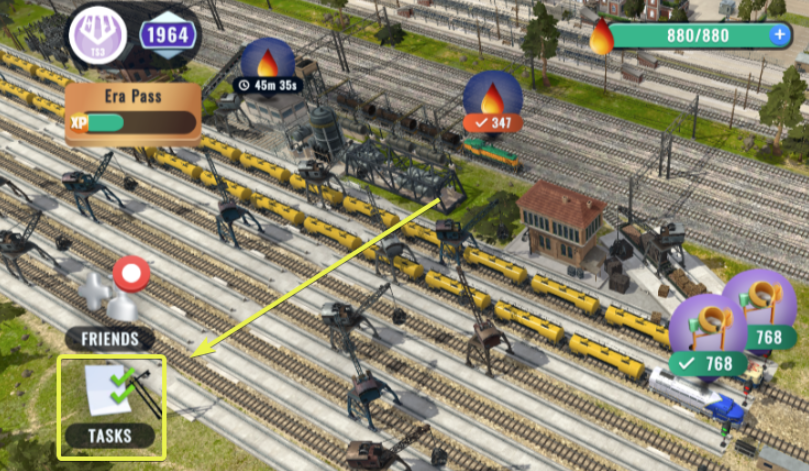
This instance may occur when the train is assigned to do an automated task such as occupying a Regular Line.
Visit your Locomotive Depot and look for the train you can't send out.
If the train has the "yellow cog" icon, it is assigned to do an automated task and thus can't be used for regular jobs.